A Google listing that looks like someone is tending it
 Daniel, Eridax · October 16, 2026 · 2 min read
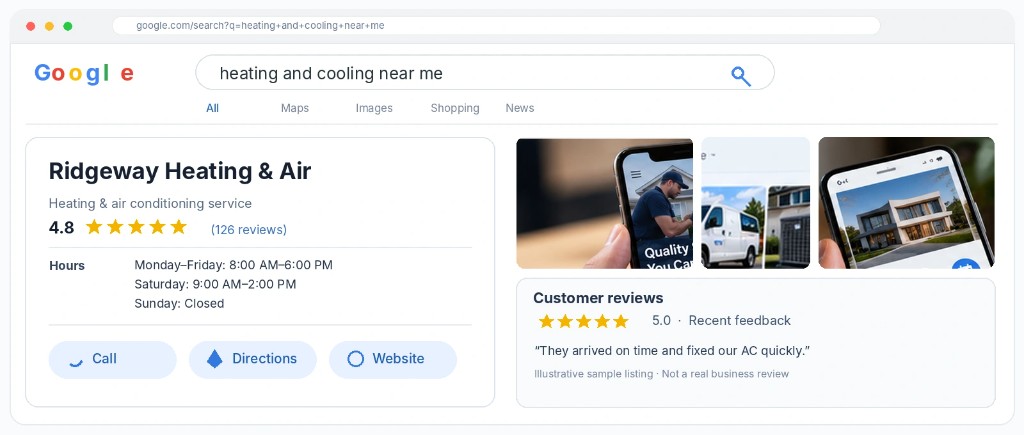
A Google Business Profile that wins calls has four things: accurate hours and services, recent photos, a reply on every review, and a steady stream of new reviews. Most local listings fail on at least two of these. Here's the checklist we run for clients each month.
The map result is often the first thing a nearby customer sees. They decide from that card, before they ever open your site.
What a finished profile contains
Start with the facts a customer uses to decide.
The hours match the hours on your door and on your site. The service area matches the towns you actually drive to. The services list the work you want more of, in the words customers use when they search. The categories are the ones Google already uses for your trade.
Photos should be recent and real: the truck, the crew, a finished job, the office. A listing with the same three pictures from the year you opened looks quiet, even when the business is busy.
Then keep it from going quiet. A short post about a seasonal offer, a finished job, or a change in hours tells someone the profile is current. One setup afternoon is the start. The listing still has to look tended next month.
A half-finished listing loses the click to the business whose profile answers the question.
Reviews, and the reply under each one
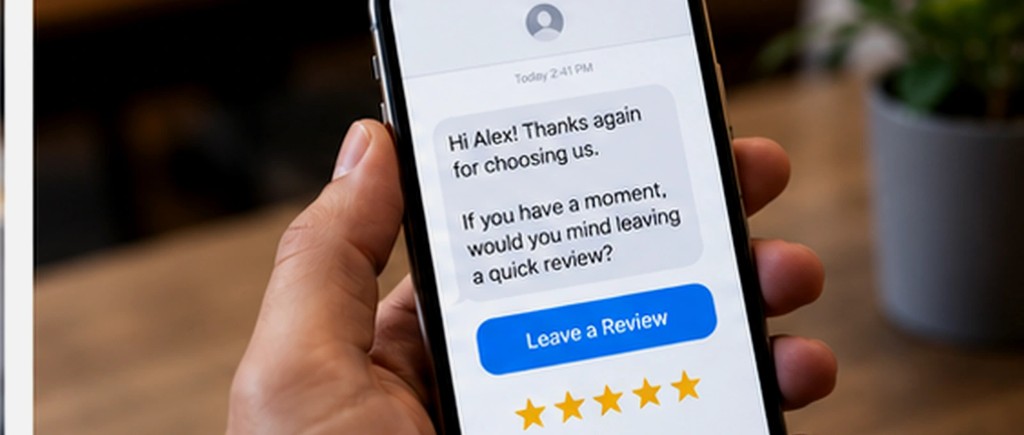
New reviews come from finished jobs, when someone asks while the work is still fresh. The request is a link, sent after the job, to every customer you completed work for. Your crew can leave the driveway without remembering to ask.
Every review gets a reply, the praise and the complaints, in a voice that sounds like your shop. A listing full of unanswered reviews reads like nobody is watching.
- Confirm hours, service area, services, and categories against how you actually work.
- Add recent photos of real jobs, the crew, and the truck or the office.
- Send a review request after each finished job, while the customer still remembers the work.
- Reply to every review, in your voice.
- Post something short when the season, the offer, or the hours change.
We set this up and keep it current as Google Business Profile and reviews. Once a month you get a plain summary of new reviews, replies, and what we updated.
Daniel runs Eridax LLC, an independent software company that builds software for clients and publishes its own apps and games.
More posts
All posts →
What happens to the question that comes in after you close
The office is locked, and someone still needs an answer. Here is what that question should do, and what you should see in the morning. October 20, 2026
The first screen of your website has one job
Say what you do, and give people a way to call or request a quote before they scroll. The rest of the page sits under that. October 13, 2026