
Ask for the review while the job is still fresh
 Daniel, Eridax · October 9, 2026 · 2 min read
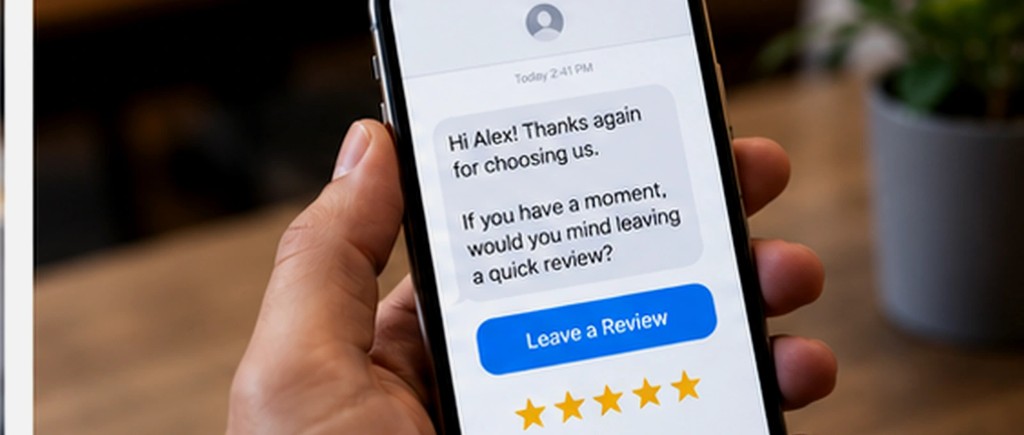
Ask for the Google review while the job is still fresh. Send one short text or email with a single review link right after the work is done. A week later the moment is gone. Then reply to every review, including the hard ones.
The customers who would say something kind are willing in that window. After it closes, you are asking them to remember a Tuesday they have already filed away.
Ask while the work is still what they remember
The ask itself should be short. A text or an email with one link to your Google review form, sent after the job is done. The same message goes to every customer you finished work for. The people who had a good experience are the ones who tap it.
Send it after they leave. Your crew is trying to get to the next stop, and a customer who felt put on the spot will say they will do it later. Later is where review requests go to disappear.
Timing matters more than the wording. Send it when the repair is done, the lease is signed, the matter is closed, or the visit went well. A list you meant to work through on a slow Tuesday gets almost nobody.
A finished job is the moment a happy customer will leave a review, if someone asks.
Reply to every one, including the hard ones
A review with no reply sits on your listing as unfinished business. Thank the people who wrote something kind, in a voice that sounds like you, and keep it short. A specific line beats a paragraph you paste under every review.
A complaint needs the same attention. Say what went wrong, say what you are doing about it, and give them a way to call you. The next customer reads that reply to see whether anyone is watching.
New reviews, plus a reply under each one, are what make a listing look tended. The request can go out on its own. The reply should still sound like the business.
- Send the request the day the job is finished.
- Use one link that opens your Google review form.
- Send the same ask after every finished job.
- Reply to praise in your own voice, briefly.
- Reply to a complaint with what happened and how to reach you.
Review requests and replies are part of how we manage a Google Business Profile. The link goes out after the job. You see the new reviews in the monthly summary.
Daniel runs Eridax LLC, an independent software company that builds software for clients and publishes its own apps and games.
More posts
All posts →
What happens to the question that comes in after you close
The office is locked, and someone still needs an answer. Here is what that question should do, and what you should see in the morning. October 20, 2026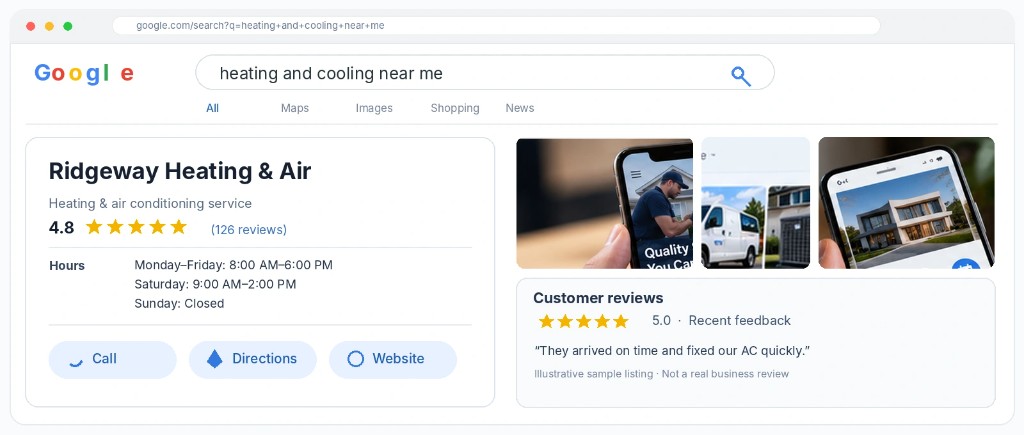
A Google listing that looks like someone is tending it
Hours, services, photos, and a reply on every review. These are the listing details that decide whether a nearby customer calls. October 16, 2026