The first screen of your website has one job
 Daniel, Eridax · October 13, 2026 · 2 min read
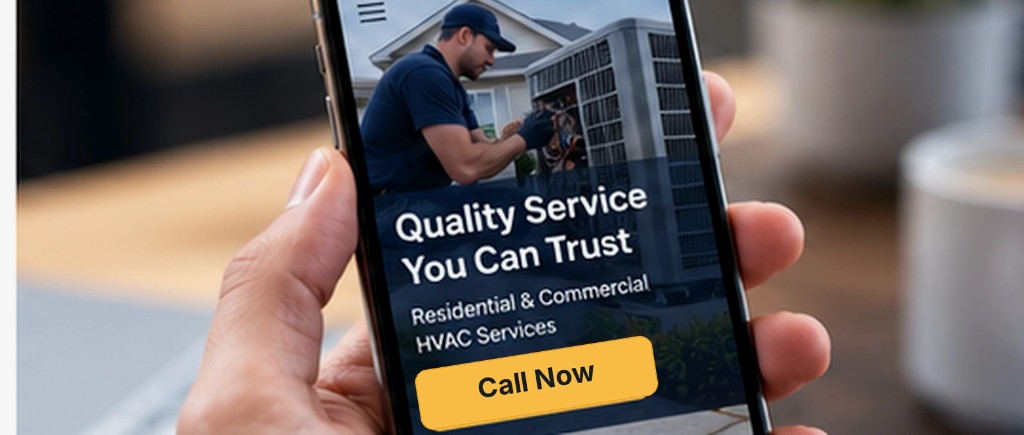
The first screen has to say what you do, who you serve, and how to reach you before anyone scrolls. Put the phone number and a short quote form in that first look, on a phone and a desktop. Proof and photos sit underneath.
They are deciding whether to call you or go back to the results. Give them that decision in one look.
What belongs in the first glance
Name the work you do, in plain words. Name the towns you serve, or the kind of customer you take. Put the call button where it stays visible on a phone. Put a short quote form on that same screen, with the few fields you actually need: name, phone, and what they need done.
Under that, the page can do its other work. Services, a bit of proof, photos from real jobs, and the service area. Each of those should point back to the same action: call, or ask for a quote.
Speed belongs on that list. Someone on an ordinary connection, in a truck or a parking lot, will leave a page that sits there loading. Lay the page out for the phone first. The desktop version follows from that.
The call button and the quote form sit where a visitor sees them first.
The site should still be yours after launch
The design, the pages, and the words are yours when the site goes live. If you stop working with the person who built it, you keep the site. A new price, a new service, or a photo from last week's job is a small edit: you make it, or you send it over and it gets handled.
- Put the phone number and a quote form on the first screen, on a phone and on a desktop.
- Say what you do and where you work, in that same glance.
- Place services, proof, and photos under that, aimed at a call or a quote.
- Open the page on a phone with an ordinary connection and see how fast it loads.
- Keep the site in your name, so a one-line edit is yours to make.
That is the standard for the websites we build. You approve the pages before they go live, and you own them when they launch.
Daniel runs Eridax LLC, an independent software company that builds software for clients and publishes its own apps and games.
More posts
All posts →
What happens to the question that comes in after you close
The office is locked, and someone still needs an answer. Here is what that question should do, and what you should see in the morning. October 20, 2026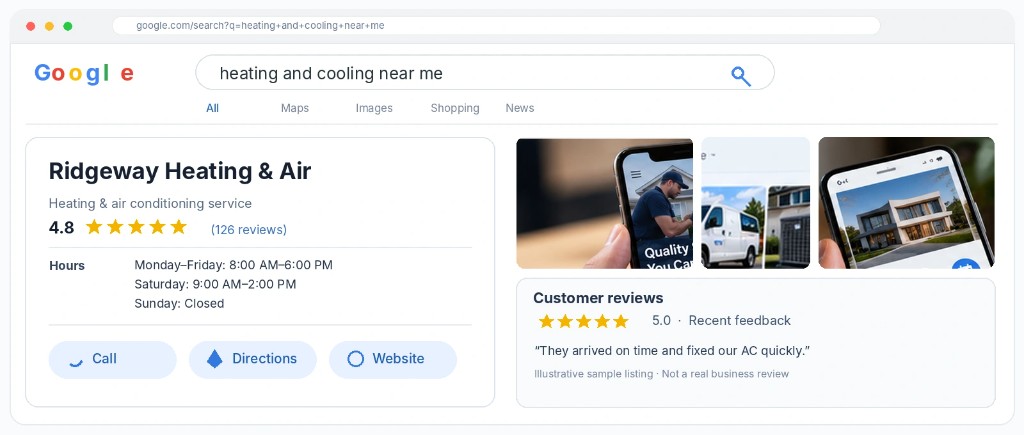
A Google listing that looks like someone is tending it
Hours, services, photos, and a reply on every review. These are the listing details that decide whether a nearby customer calls. October 16, 2026